Wallset
Switch wallpapers with a keystroke
Subscription-free alternative to Wallpaper Wizard, Irvue.
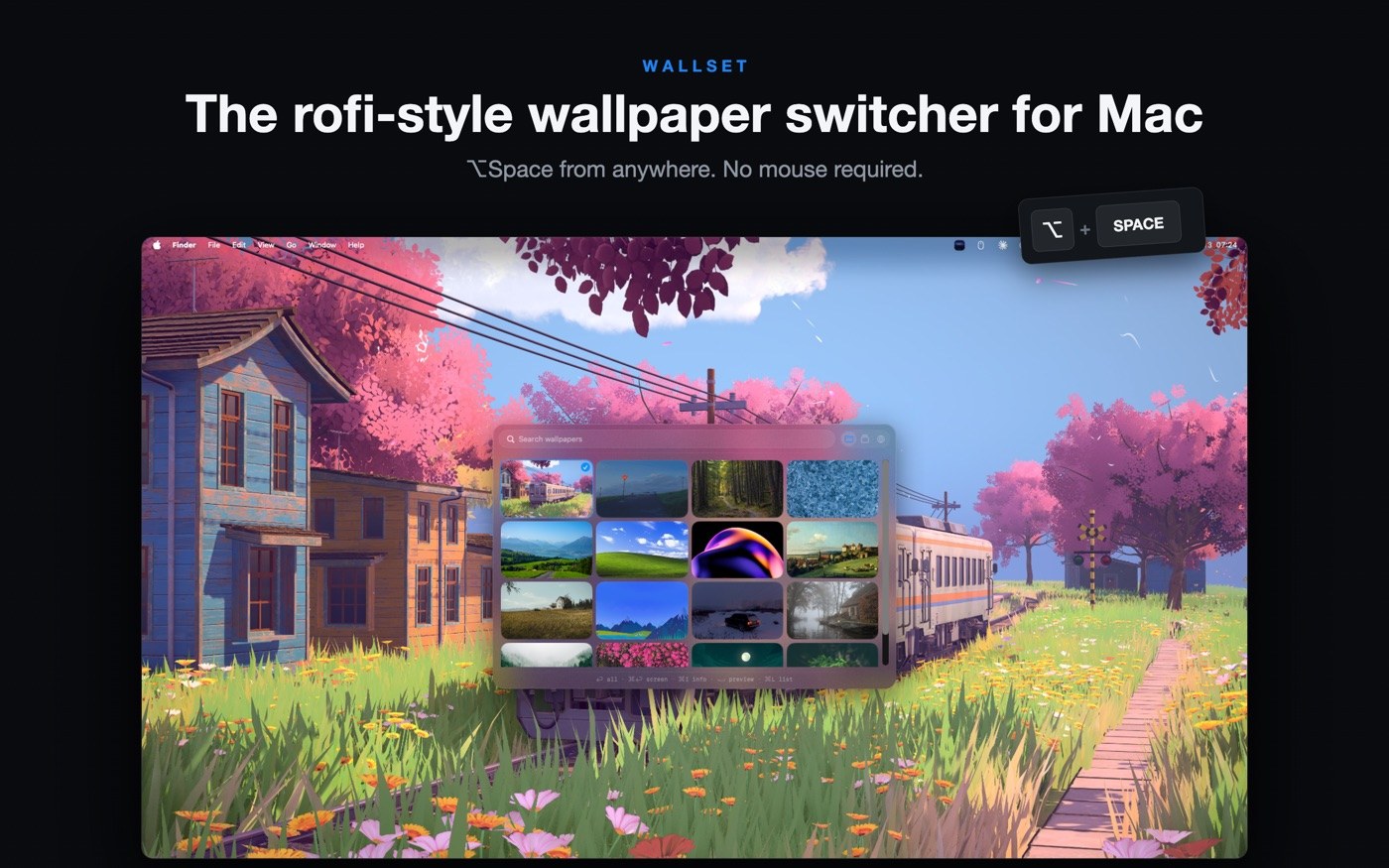
Wallset brings the Rofi idea from Linux to the Mac: hit ⌥ Space, a grid appears over your desktop, typing filters filenames, arrow keys browse, Space previews at full size, Enter applies the image — on every connected display at once. Then the app disappears back into the menu bar, with no Dock icon in sight.
The library stays local, by default in ~/Pictures/Wallpapers, and takes JPG, PNG, HEIC, WebP and TIFF. Drag files in straight from Finder, rename them inside the picker, or move them to the Trash. Four layouts (grid, list, preview list, filmstrip) cycle with ⌘L, and a timer rotates the wallpaper every 5 to 120 minutes. When you want something new, Browse searches Wallhaven, Wikimedia Commons, Pixabay and Unsplash from inside the app — the first three with no sign-up, while Unsplash needs a free personal key that lives in your keychain.
The local library, the hotkey, the timer and the crossfade stay free. Pro adds named collections, eleven more transitions, applying to a single display under the cursor, and independent rotation per monitor. Every Pro feature runs for seven days, after which the unlock is a one-time $7.99 in-app purchase — Apple lists exactly that single item, with no term and no renewal. It needs macOS 14.6 on Apple Silicon or Intel.
Why no subscription? Changing a wallpaper is an operating-system feature that Apple merely buried. Wallset makes it fast — and charges a price you pay once and then forget about.
Keywords: Mac wallpaper app · wallpaper switcher · change wallpaper · menu bar app · keyboard shortcut · automatic wallpaper rotation · multiple displays · no subscription · subscription-free · freemium
Report a subscription change
Now subscription-only — no full one-time purchase anymore? Help keep the directory current: