RooCards
Loyalty cards as barcodes on your iPhone
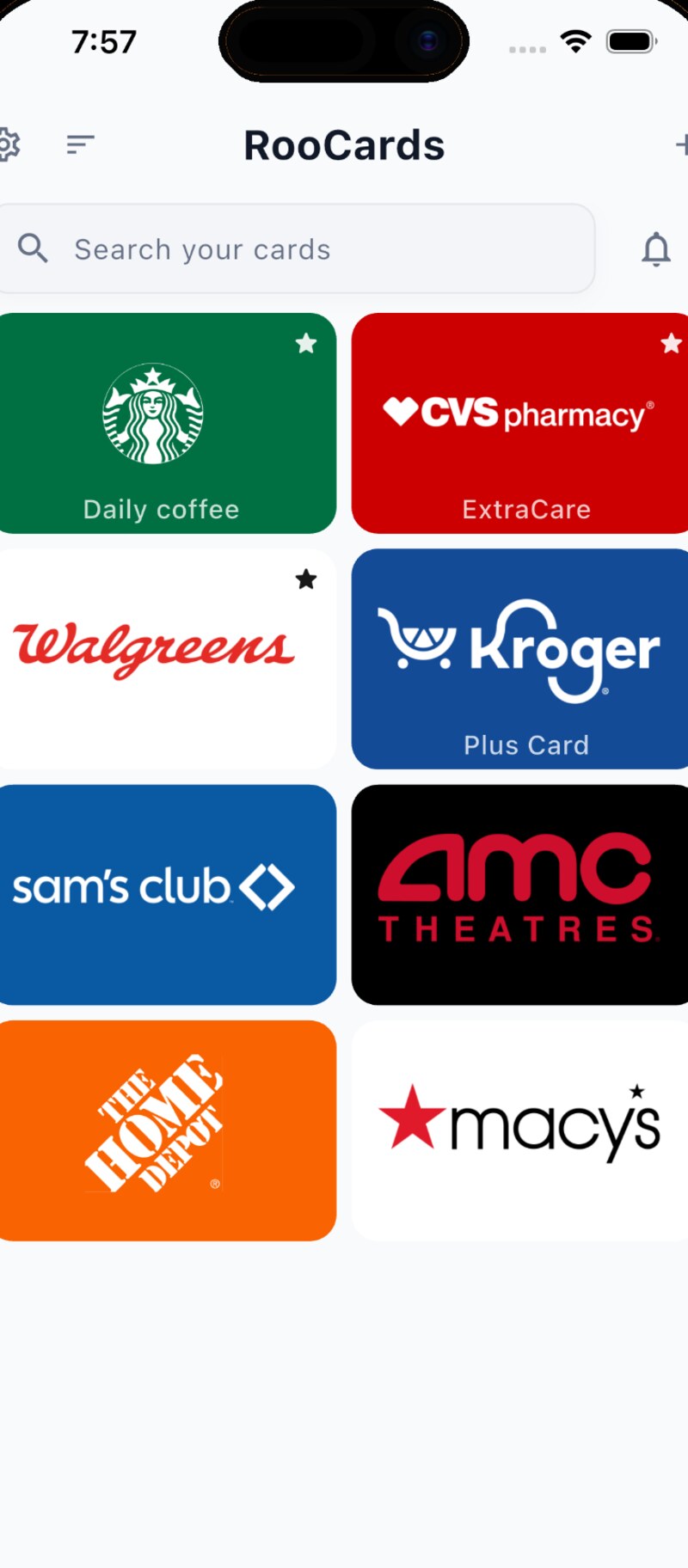
RooCards collects the cards that otherwise make a wallet bulge: loyalty and rewards cards, memberships, library cards, coupons, gift cards. A card goes in by scanning its barcode or QR code, importing a photo or screenshot, or typing the number — several screenshots can be imported as a batch, which does half the work when moving over from another card app. At the till you bring the code back up as a bright, scan-ready panel, either from the app or straight from a widget.
Finding a card works through search, categories, pinned favourites and Spotlight, and saved cards open with no connection at all. The Home Screen gets two kinds of widget: a grid of several favourites, and a single barcode widget that switches between cards you choose. Cards can be recoloured, shared with family or friends, and backed up through iCloud if you want that — the developer states card data stays on the device unless you turn on backup or sharing yourself. The app needs no account.
The core is free. RooCards Plus additionally unlocks adding eligible cards to Apple Wallet, from where they also reach a paired Apple Watch. Plus is an in-app purchase with no term — the App Store lists one-time items only, with no period and no renewal; $8.99 normally, occasionally less as a promotional item. It requires iOS 17.
Why no subscription? A loyalty card is a piece of cardboard with a number on it. Keeping it in an app is a convenience, not a service that costs money every month — and certainly not one that should tie access to your own card numbers to an ongoing payment.
Keywords: loyalty cards iPhone · rewards cards · store card wallet · scan barcode card · Apple Wallet · card widget · no subscription · subscription-free · freemium
Report a subscription change
Now subscription-only — no full one-time purchase anymore? Help keep the directory current: