Assets for Xcode
AppIcon catalog for Xcode from one 1024px image
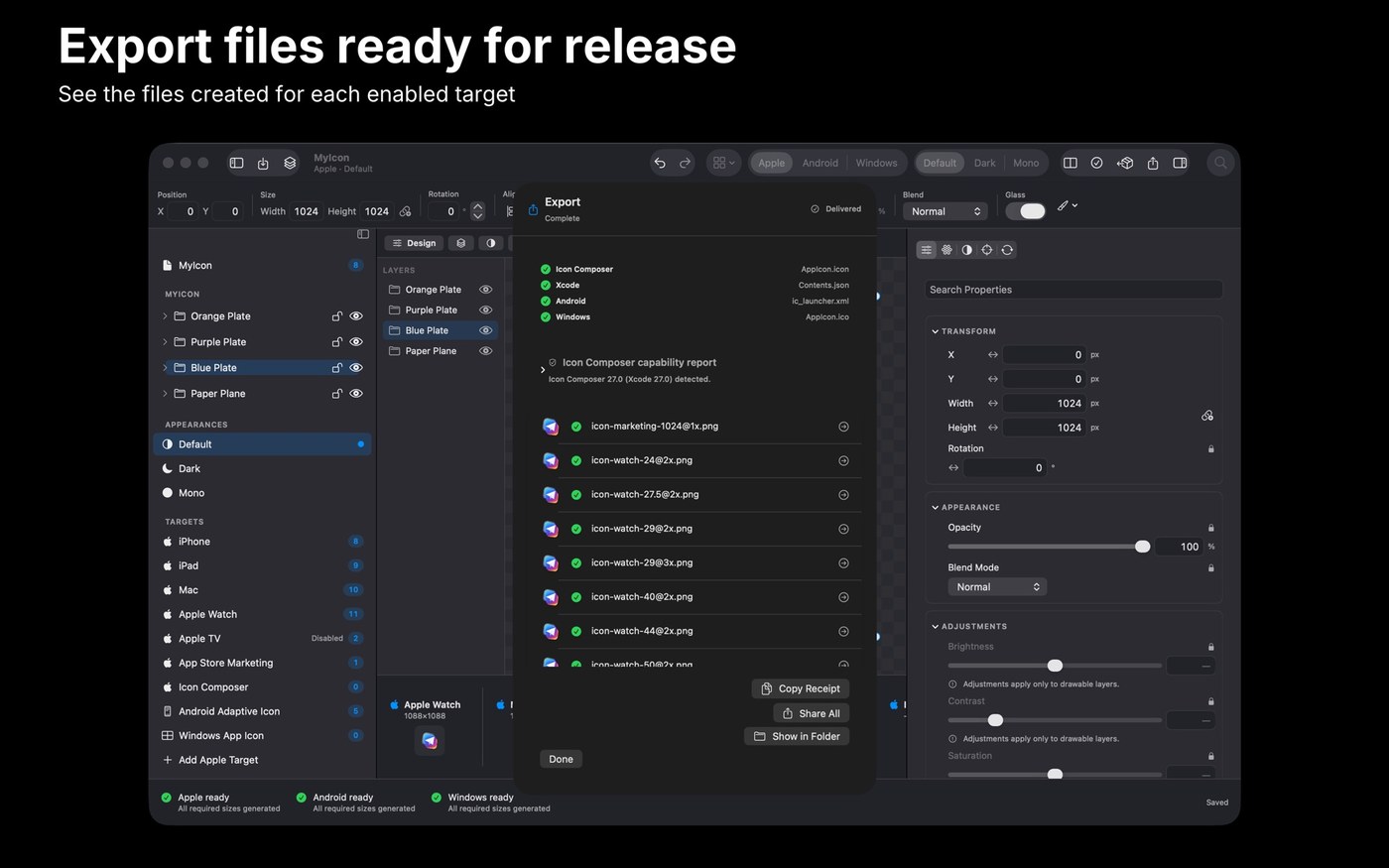
Assets for Xcode takes a single 1024px source image – dropped on the canvas or added from Finder, Files or Photos – and produces a finished AppIcon catalog with generated Contents.json. Platform toggles in the inspector decide what gets generated: iPhone, iPad, Mac, Apple TV and watchOS, with previews updating as you work.
Background can be a preset, a gradient or a hex value, and sliders cover brightness, contrast, saturation, warmth and vignette. Crop, resize and adjustments are reapplied to the pristine source each time, so edits don’t stack on top of each other. On macOS the export folder opens immediately and remembers your last destination. No account is needed to use the app. There is no Windows version at the moment.
Why no subscription? One-time purchase of $9.99 in each store (Mac App Store and App Store), with no subscription per the developer. Prices are from the US store and may differ.
Keywords: app icon · Xcode · asset catalog · icon export · developer tool · no subscription · one-time purchase
Report a subscription change
Now subscription-only — no full one-time purchase anymore? Help keep the directory current: