ShotInbox AI: Sort Screenshots
Sort screenshots, find them by recognized text
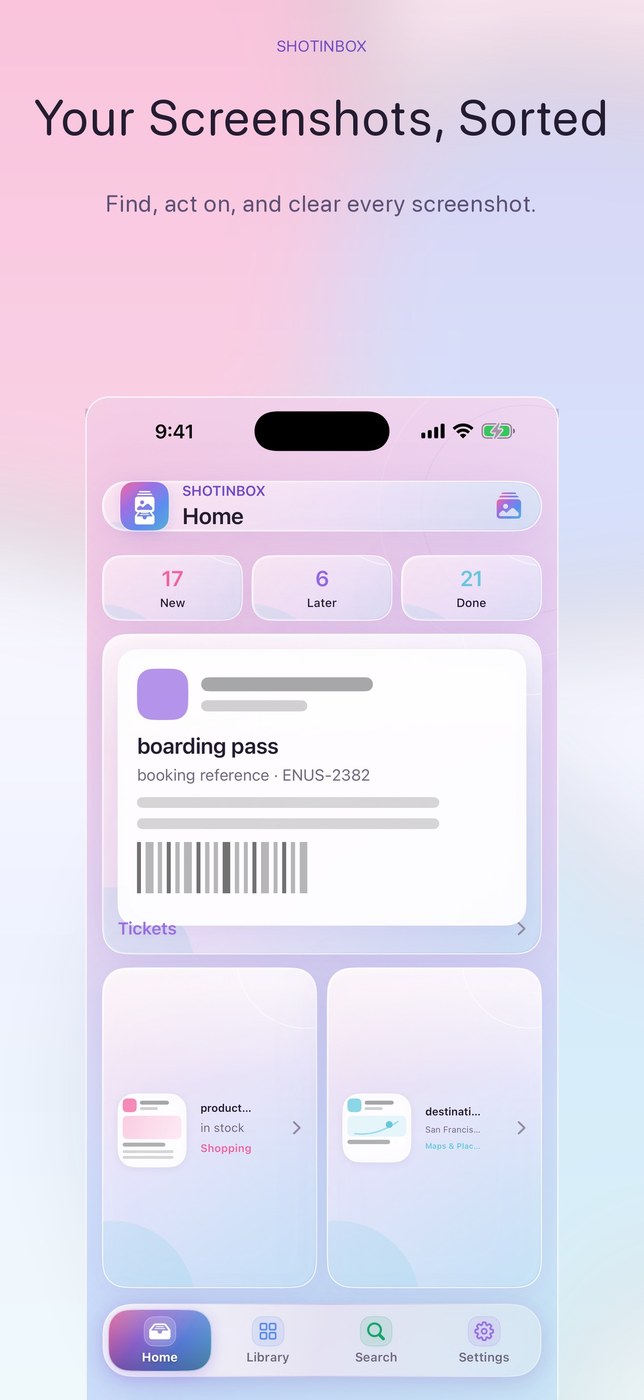
ShotInbox automatically sorts screenshots on iPhone and iPad into categories such as receipts, tickets, travel, maps, chats, work, recipes and QR codes. Recognized text is searchable, as are categories and links. From a screenshot you can open Maps, open a link, copy text, call a number, track a package or add a reminder or calendar entry.
Recognition runs on-device via Apple Vision and NaturalLanguage, according to the developer; nothing is uploaded. The app never auto-deletes; Photos asks for final confirmation, and ShotInbox cannot undo that step.
The latest 50 screenshots are covered free with the core workflow. “ShotInbox Lifetime Pro” at US$5.99 unlocks unlimited screenshot history, custom rules, batches and similar groups, a sensitive lock, widgets, plus backup and export.
Why no subscription? Pro is a single purchase with lifetime access, explicitly stated as no subscription.
Keywords: screenshots · OCR · text recognition · photo cleanup · on-device · no subscription · one-time purchase
Report a subscription change
Now subscription-only — no full one-time purchase anymore? Help keep the directory current: