File Date & Time Editor
Batch-edit file dates with a preview before saving
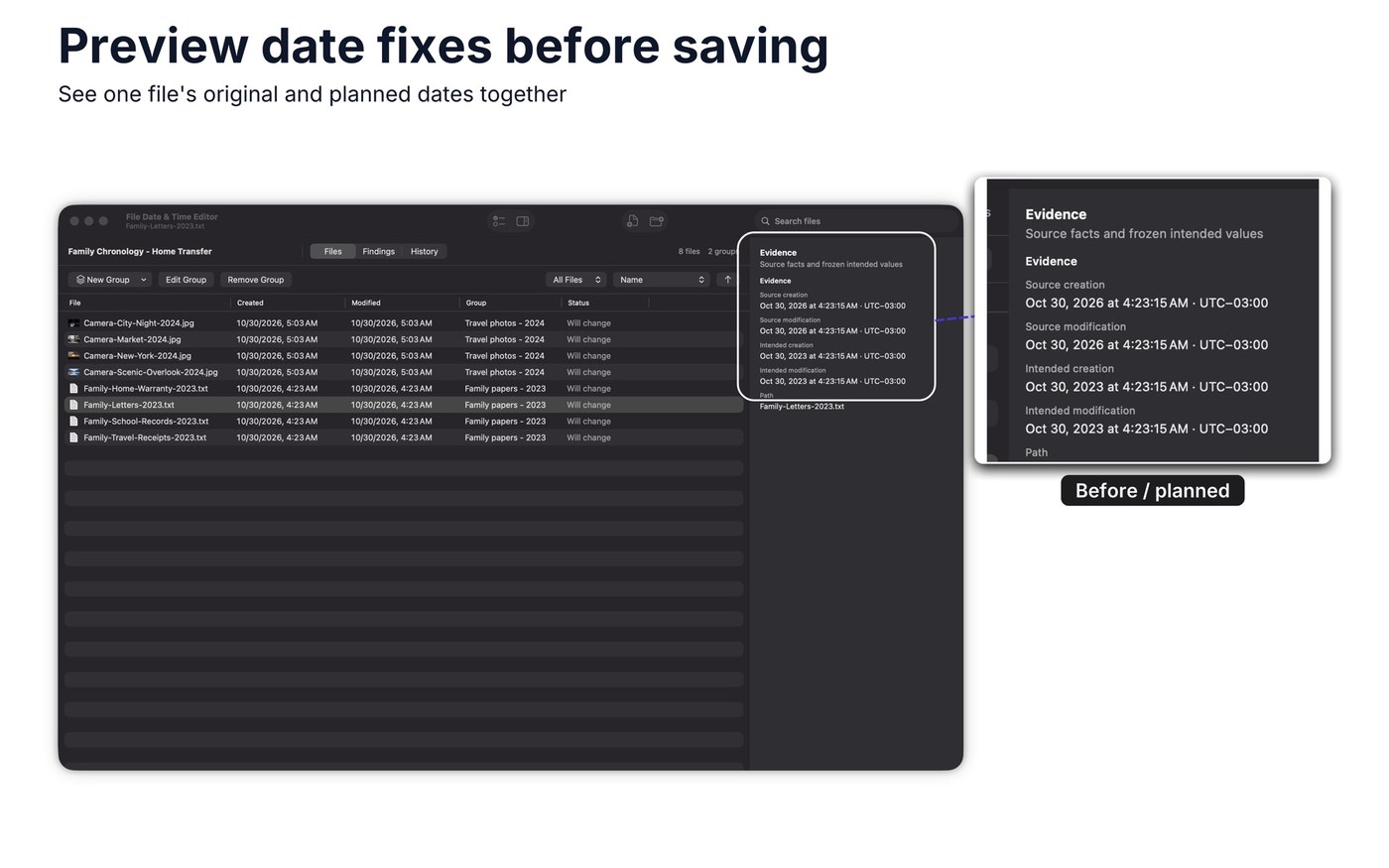
File Date & Time Editor changes the creation and modification dates of files, one at a time or across a whole selection. Before saving, it shows each file’s original value next to the planned one, and nothing is written until you confirm. Embedded photo and document metadata stays untouched.
On Mac you can read camera times using a named time zone, including the first or second occurrence of a repeated hour. On Windows, one step applies a photo’s EXIF capture date to both fields, and every save can be undone or redone; Mac has no automatic undo. No account is needed to use the app. It requires macOS 14.0 or later, or Windows 10 version 1809 or later.
Why no subscription? One-time purchase: $7.99 in the Mac App Store, $5.99 in the Microsoft Store. The developer states no subscription and no account; prices shown are from the US store.
Keywords: file dates · timestamps · batch editing · EXIF capture date · file management · no subscription · one-time purchase
Report a subscription change
Now subscription-only — no full one-time purchase anymore? Help keep the directory current: