Delete Large Videos
Find large videos and delete only what you pick
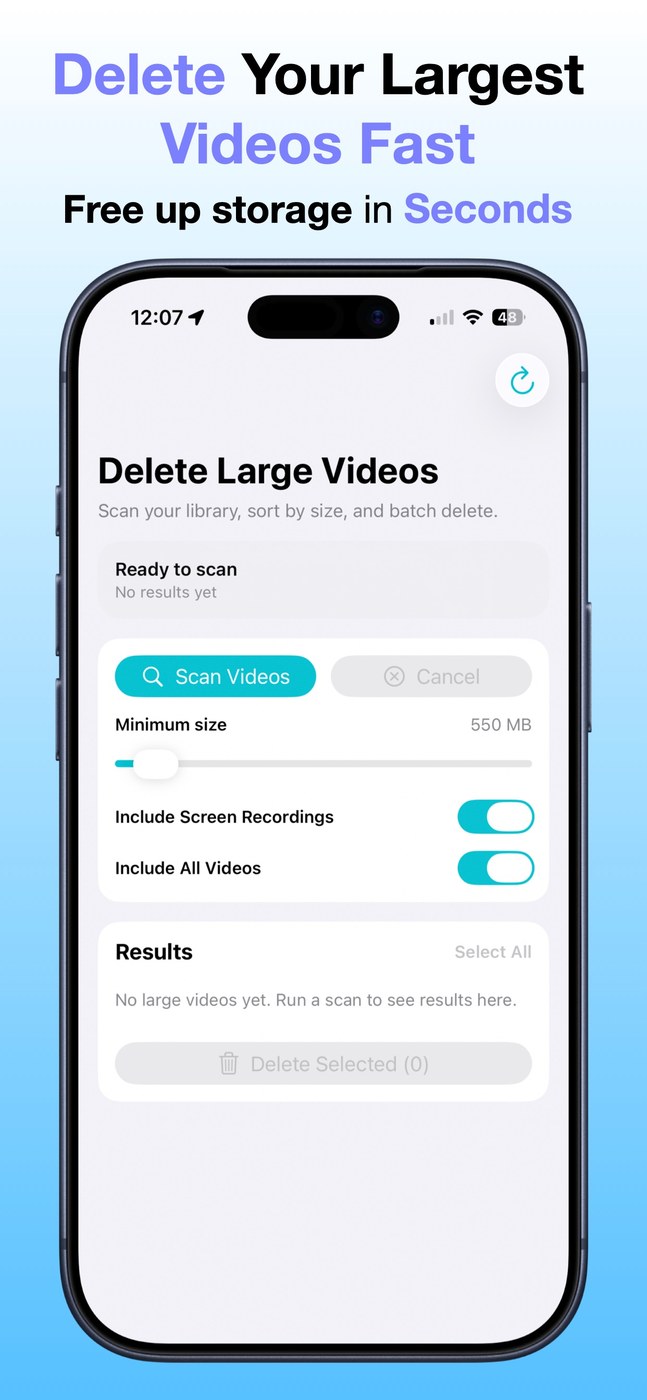
Delete Large Videos scans your iPhone photo library for videos above a minimum file size you choose and sorts them by size. You see thumbnails, file sizes, durations and dates, and can filter for regular videos, screen recordings or both. Select several at once; before deleting, the app shows the selected count and total size.
Scanning tries to determine sizes without fully downloading iCloud videos, which helps when storage is already tight. Some iCloud-only videos may not show up if their size isn’t available without a download. According to the developer, scanning happens on device and videos are never uploaded. Requires iOS 17.6 or later.
Why no subscription? The developer states plainly: no subscriptions, no accounts — a one-time purchase at $1.99.
Keywords: free up storage · delete videos · photo library · iPhone cleanup · screen recordings · no subscription · one-time purchase
Report a subscription change
Now subscription-only — no full one-time purchase anymore? Help keep the directory current: